 English






Details description |
|---|
|
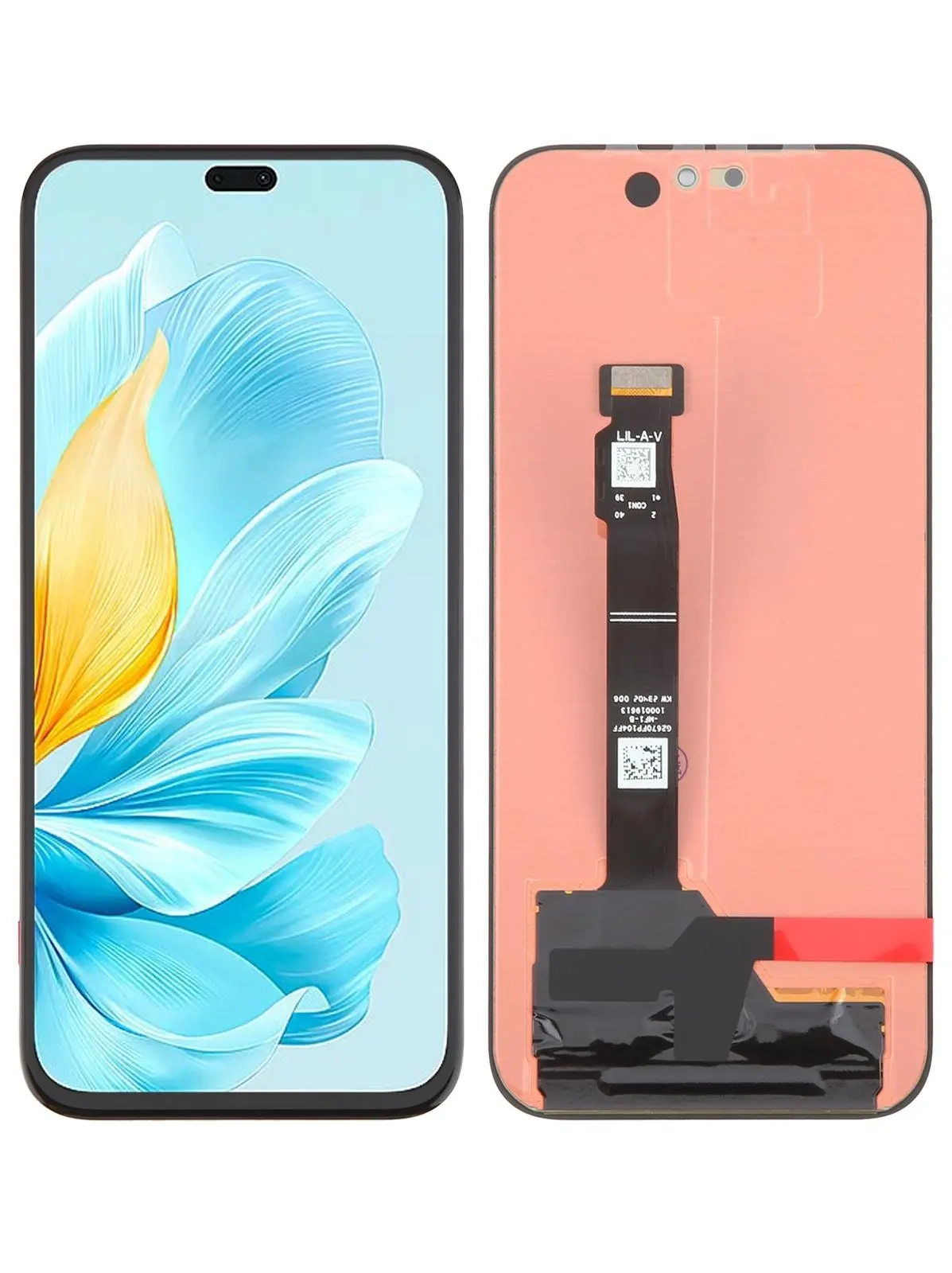
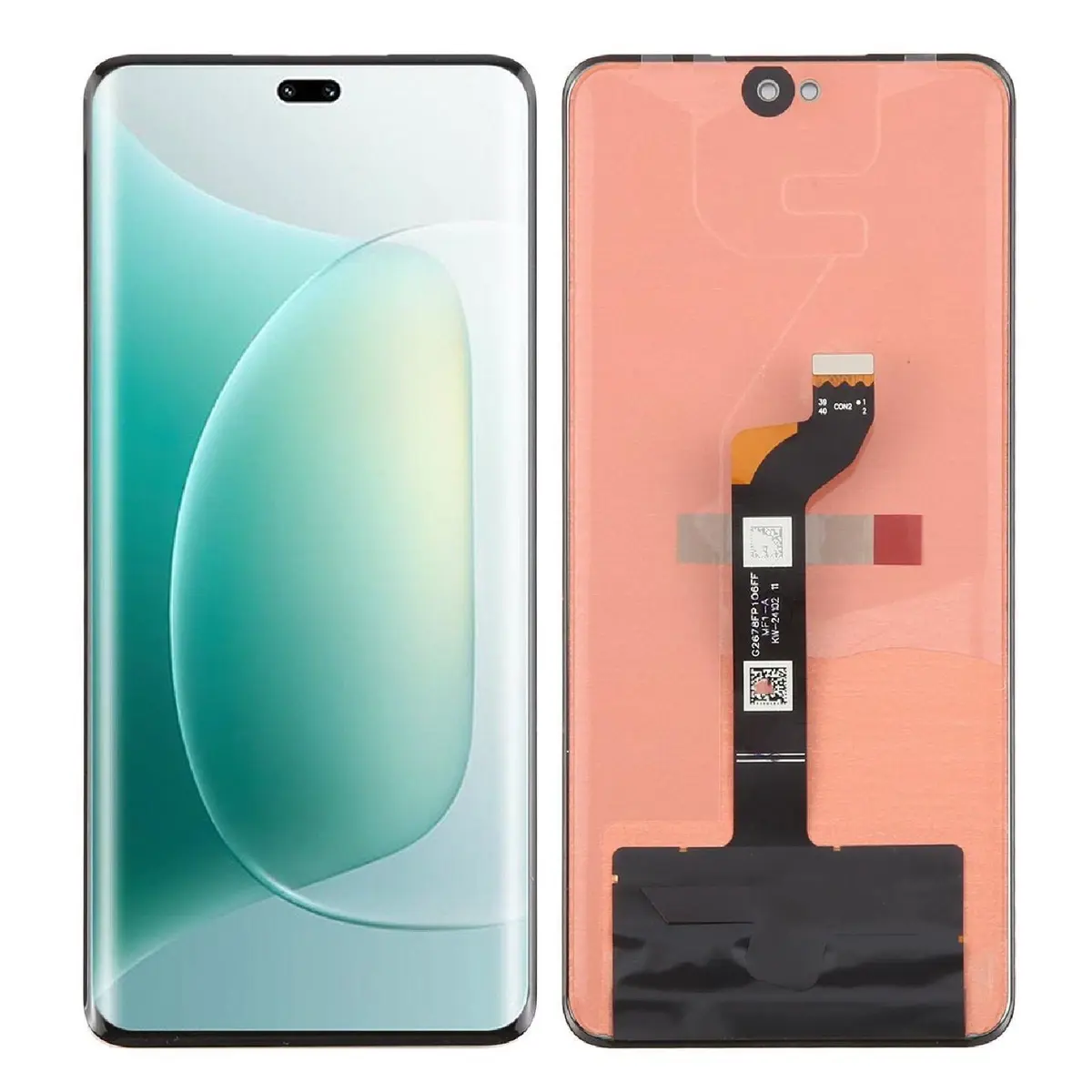
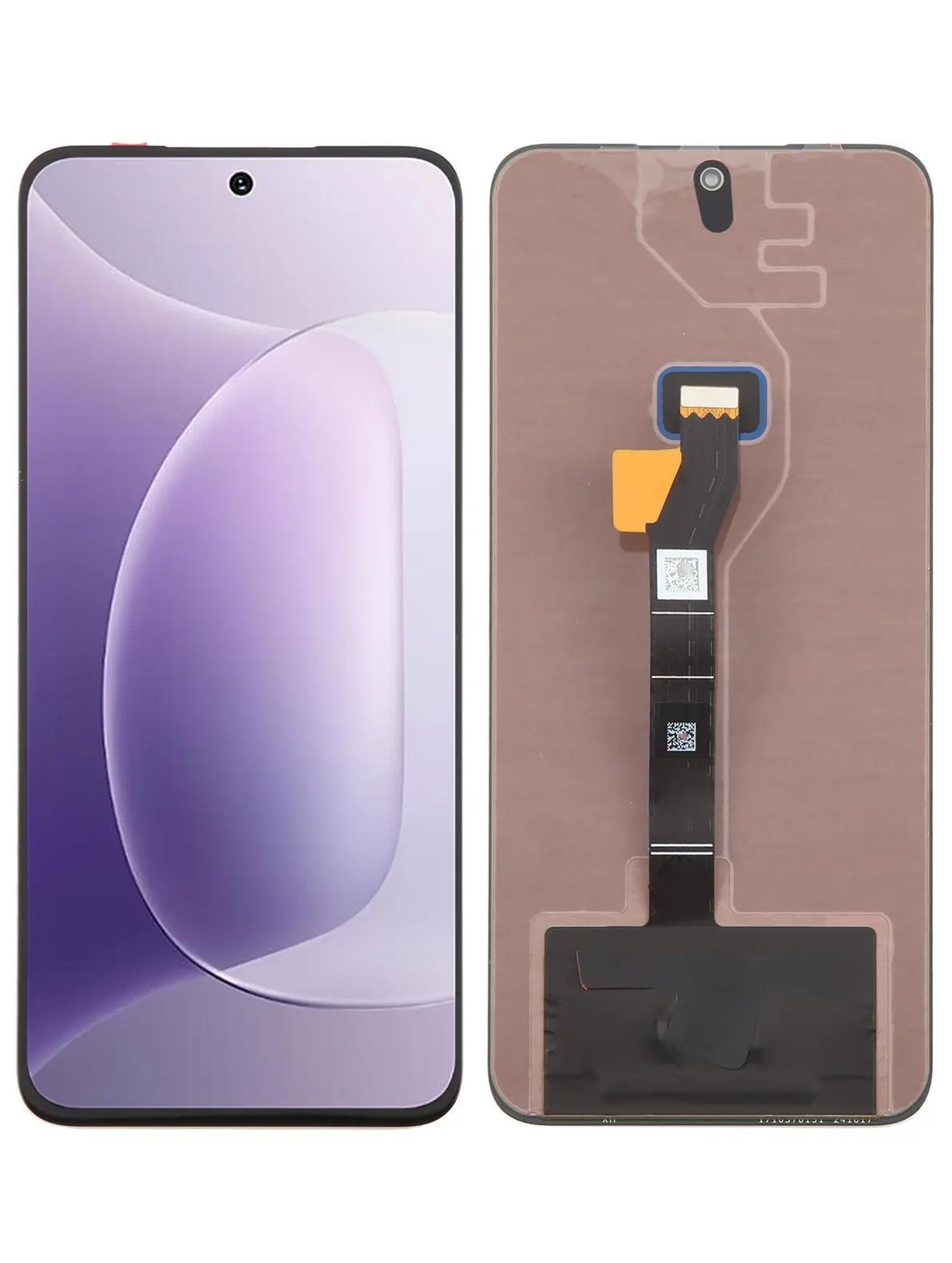
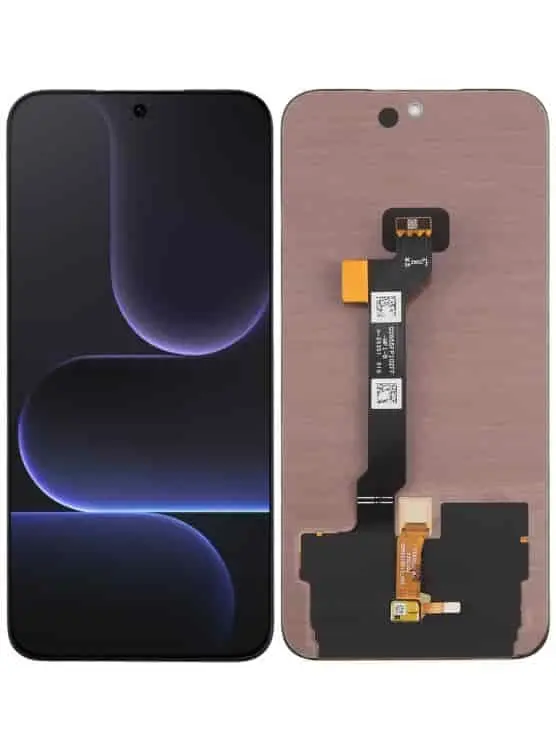
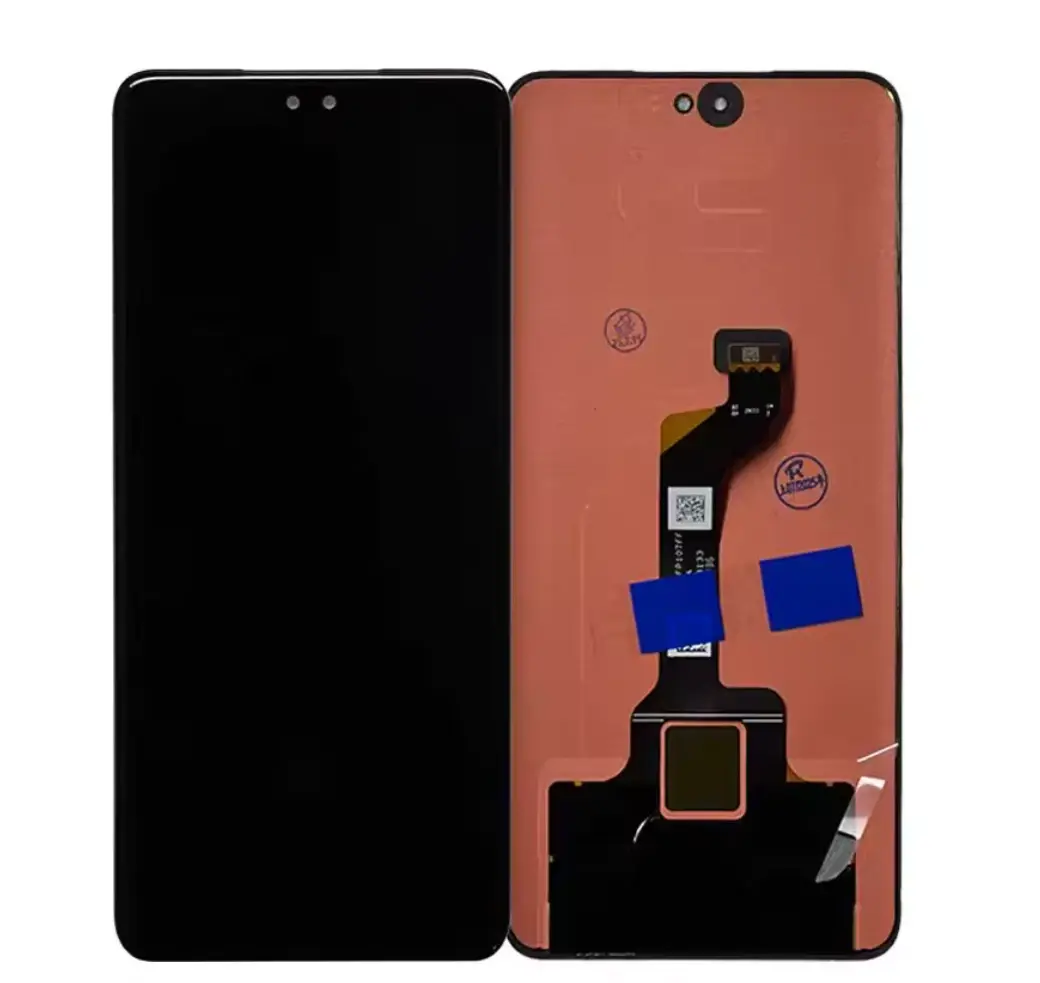
Description Before Installation Notes 1. Test Before Installation Test the screen before removing any protective films or labels. Always discharge static electricity before handling the display. Use an ESD (Electrostatic Discharge) wrist strap whenever possible. Wear eye protection and handle the glass carefully to avoid injury. 2. Test Before Final Installation Connect the replacement screen to the motherboard before fully installing it. Power on the device and verify that the display and touch functions work correctly. Do not permanently install the screen until testing is complete. Never force the connector into place, as improper installation may damage the screen. 3. Handle the Flex Cable Carefully Do not fold or over-bend the flex cable. Excessive bending (over 90°) may permanently damage the display or cause a black screen. Handle the screen gently during installation. About This Product High-quality replacement display assembly with touchscreen digitizer. Designed for a precise fit and reliable performance. Restores display brightness, touch sensitivity, and image clarity. Ideal for replacing cracked, damaged, flickering, or unresponsive screens. Each screen is tested for quality before shipping. Professional installation is highly recommended. Package Includes 1 × Replacement Screen Assembly Protective Packaging Warranty Information Please test the screen before final installation. Screens that have been installed, glued, damaged, or physically altered are not eligible for replacement. Warranty covers manufacturing defects only. Why Buy From Empire360 Limited? ✔ Genuine quality replacement parts ✔ Thoroughly tested before dispatch ✔ Secure packaging for safe delivery ✔ Fast nationwide delivery across Nigeria ✔ Excellent customer support and after-sales service |

No review yet!